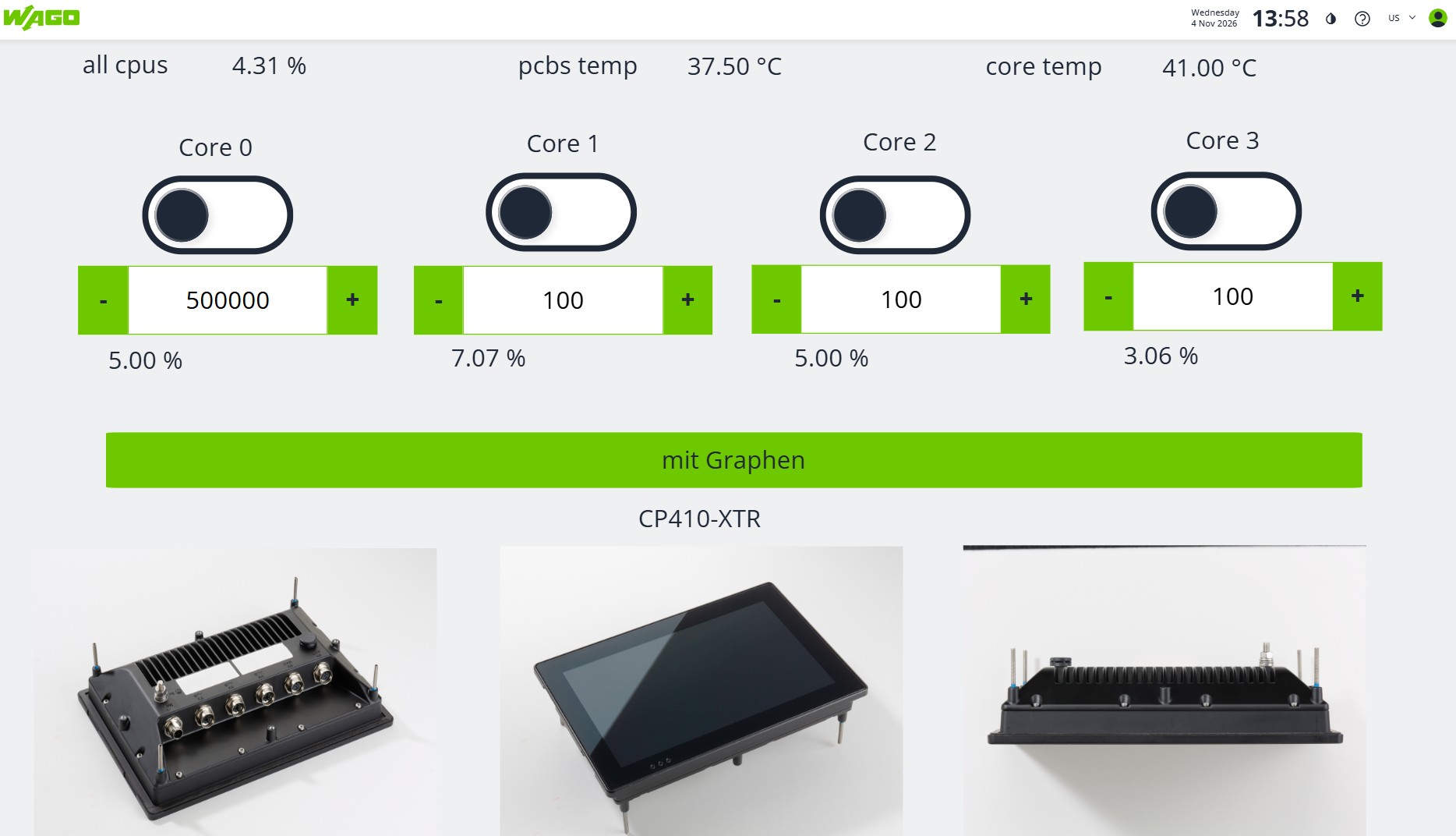
Showcases General
Performance
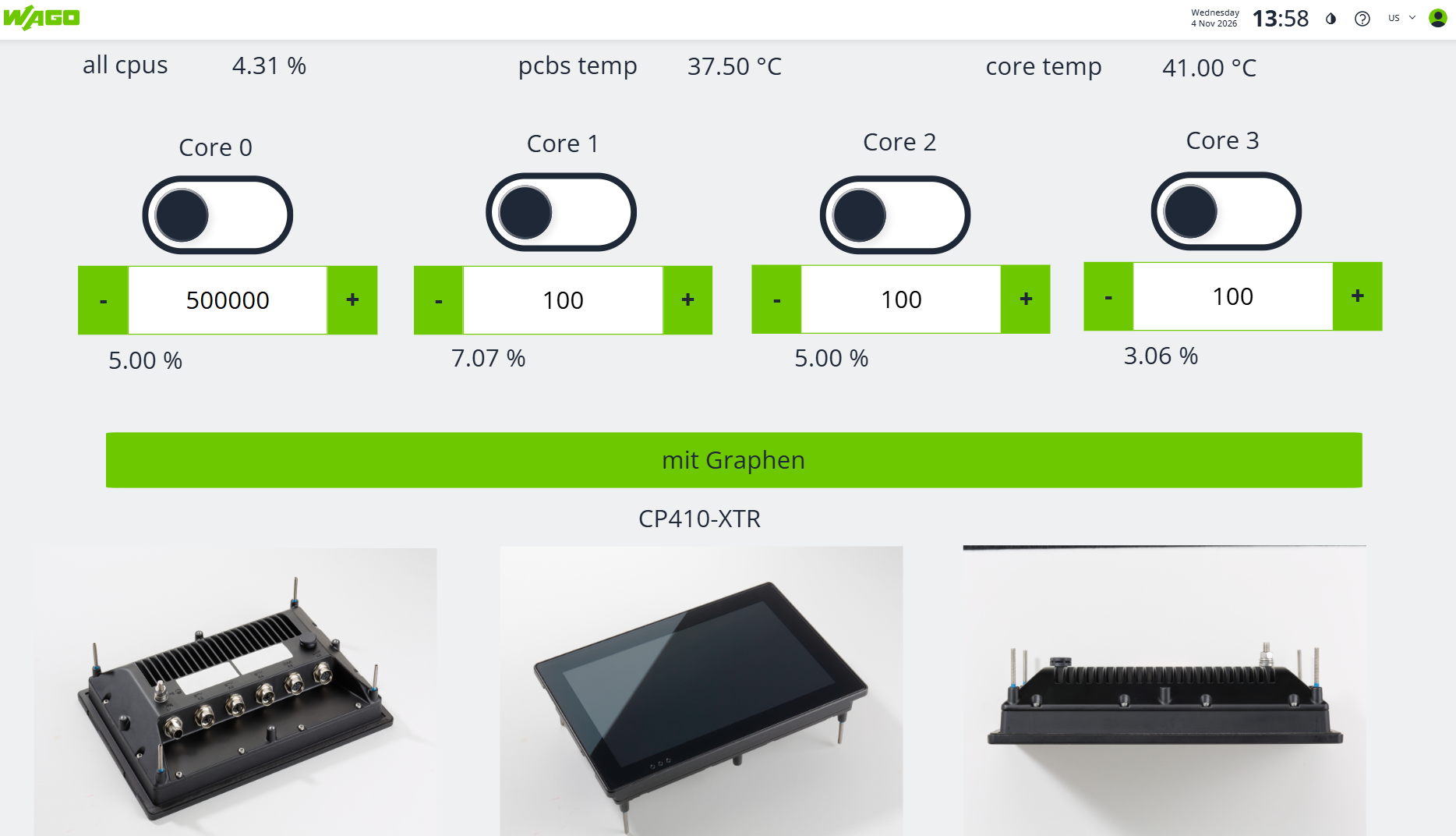
The visualization is made with PlcVisu.
CODESYS
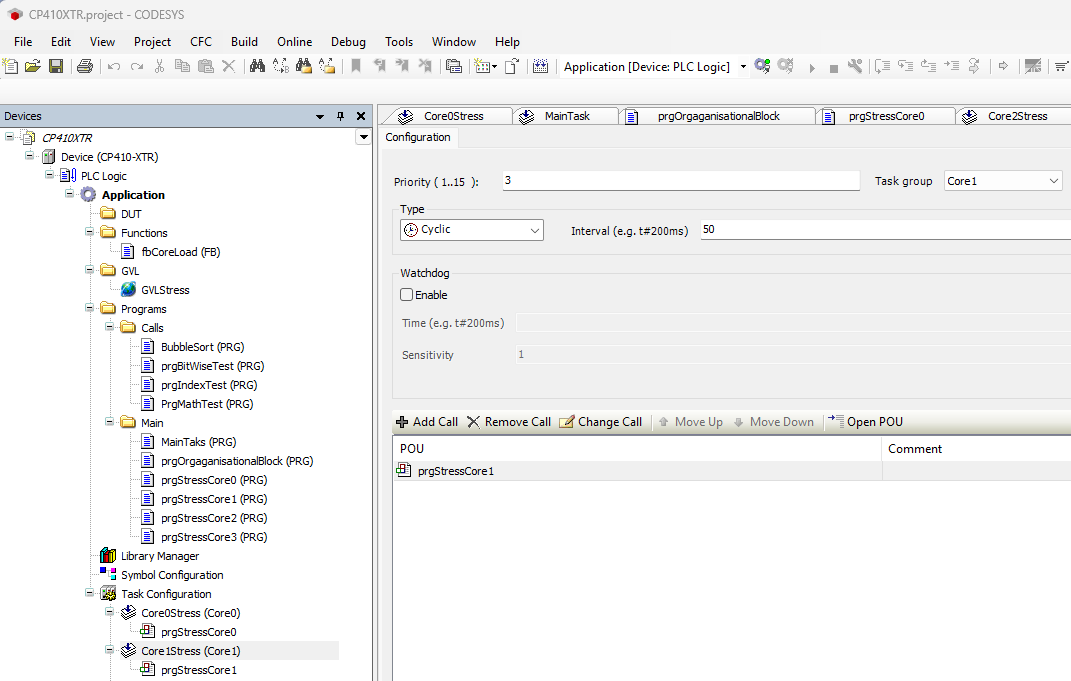
You can specify in the Task-Configuration the "Core1" for this task.
With the Priority you can specify the realtime behaviour of your task.
Priority Range Recommended Use Typical Interval Description
- 0 – 3 Real-Time / Bus Cycle 1 ms – 4 ms Reserved for EtherCAT, PROFINET, or fast motion control. Keep user code here to a minimum.
- 4 – 9 Main Control Loop 5 ms – 20 ms Your core application logic (PLC_PRG), sequence steps, and safety-related monitoring.
- 10 – 23 Slow Processes 50 ms – 200 ms Temperature regulation (PID loops), slow computations, or data logging.
- 24 – 31 Background / HMI 100 ms – 500 ms CODESYS WebVisu, file system access, and non-real-time communication protocols.