
Showcases General
Calender
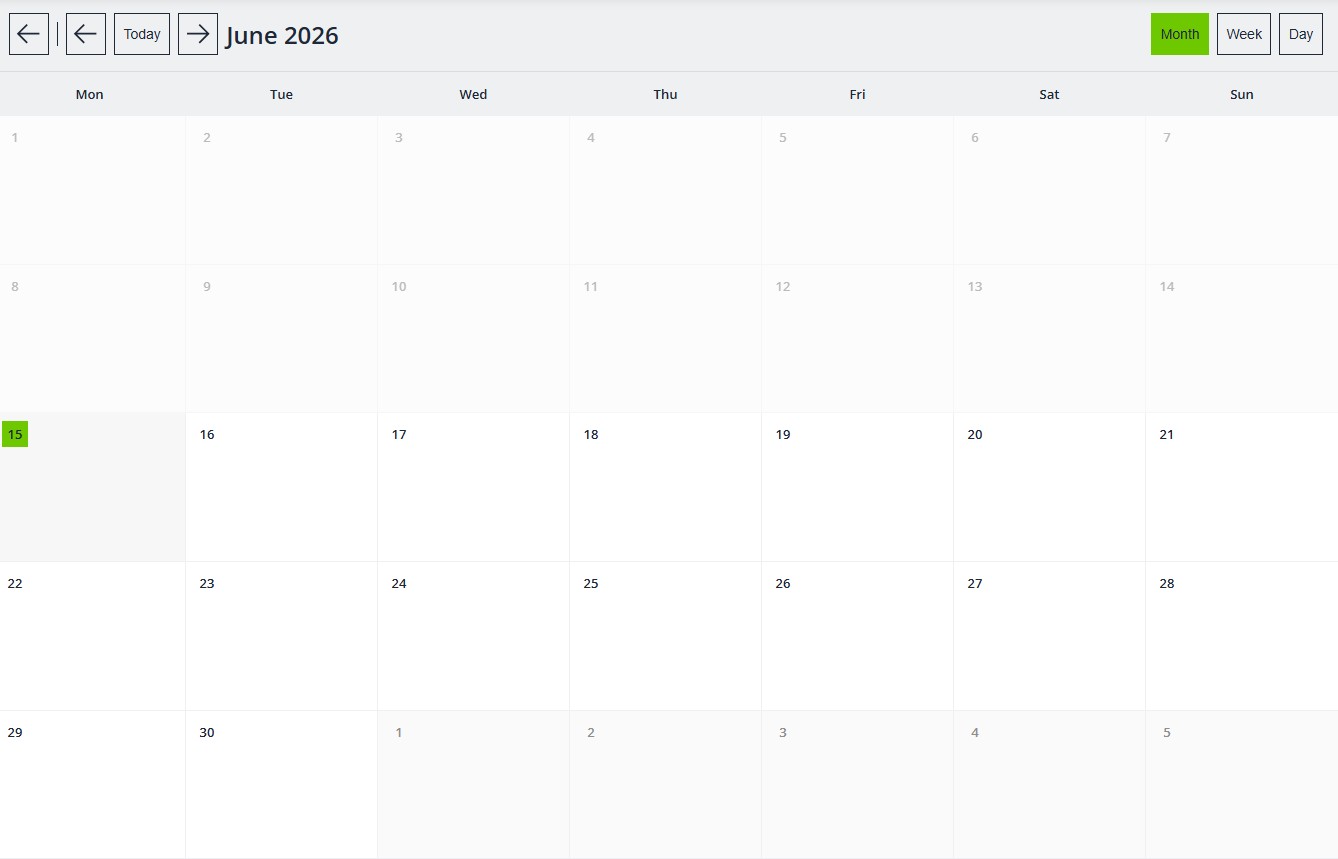
Call the Calendar component, on each PlcVisu exists only one calendar.
If you click on one calender field and this dialog appears:
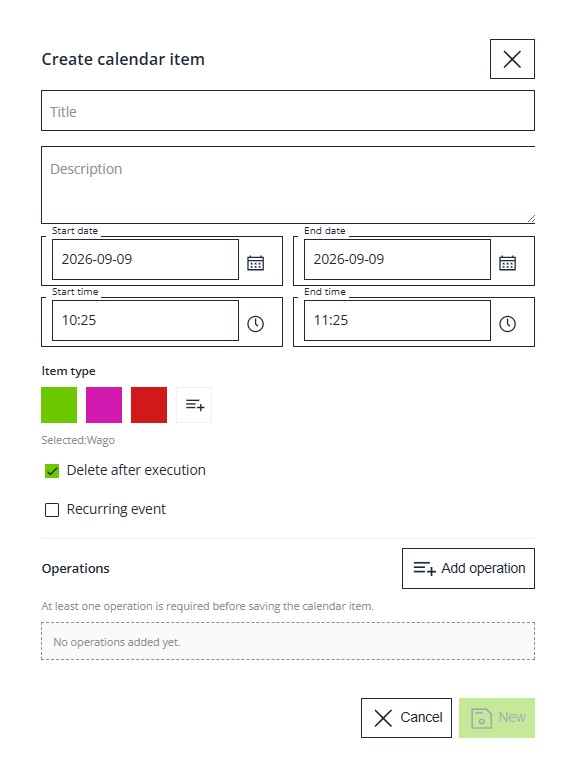
here you can specify
- title of this calender entry
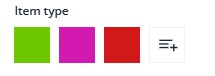
- item type
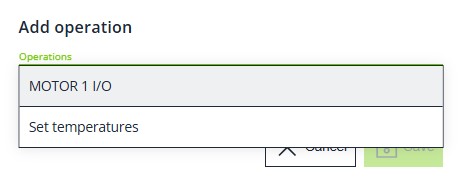
- Operation
select one of your predefined operations
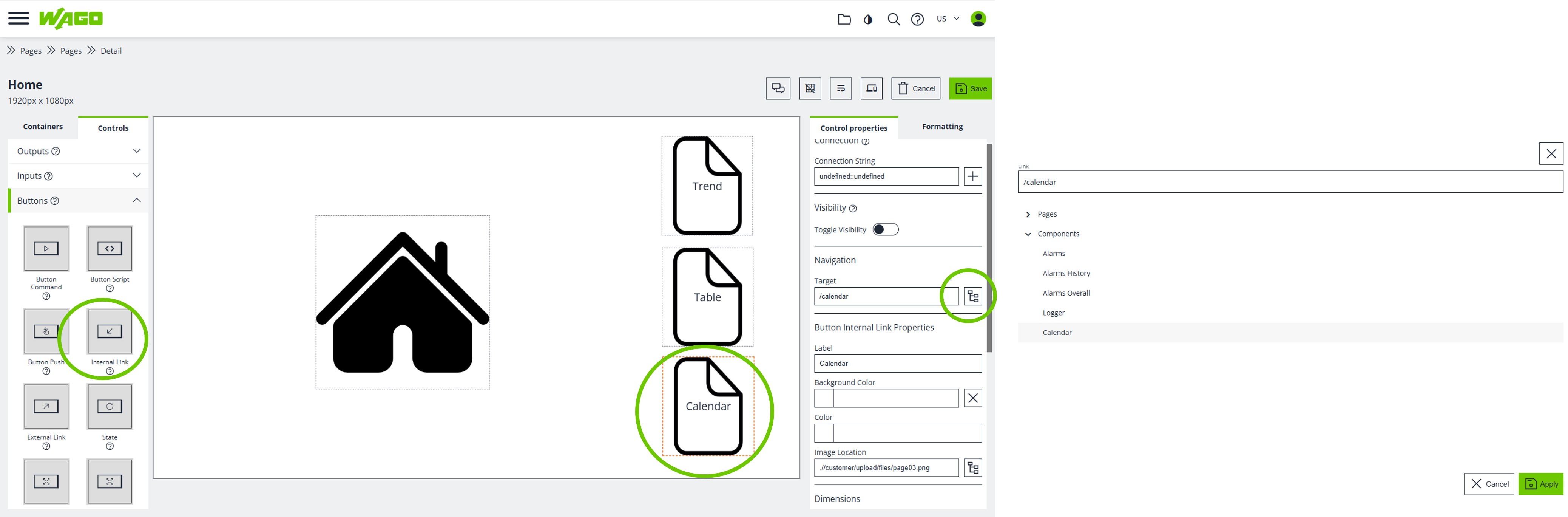
You can call the calender from any page like
Calender Types
with NEW you can specifiy calender types
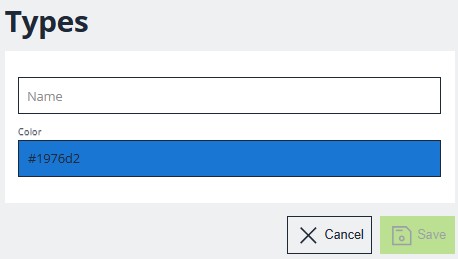
where you can define the color as calender type.
Calender Operations
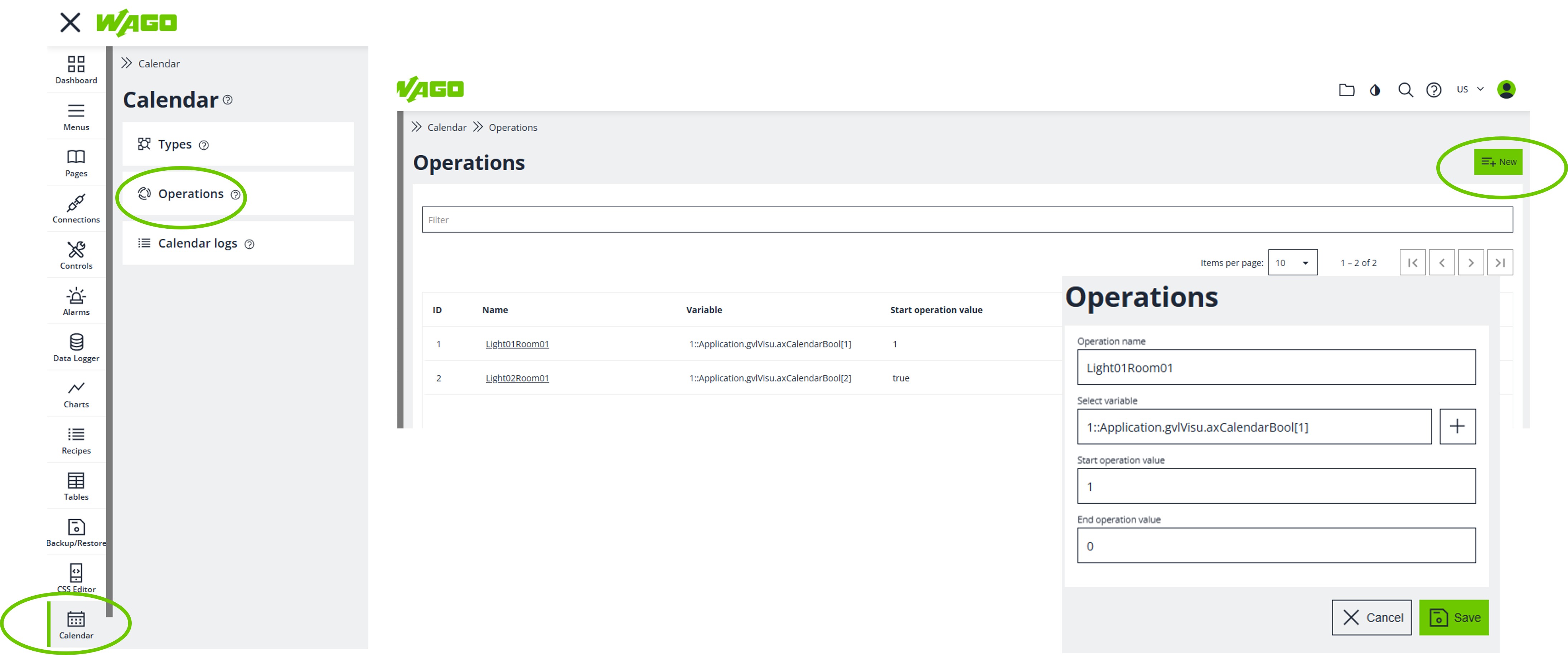
With NEW you can define many operations
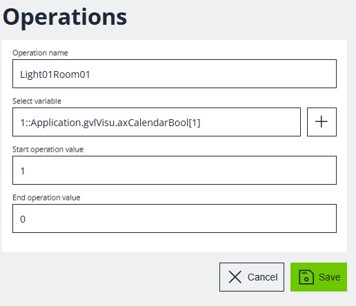
specify
- operation name
- the datapoint
- values when the Calender event start and end
This can not changed in the runtime.
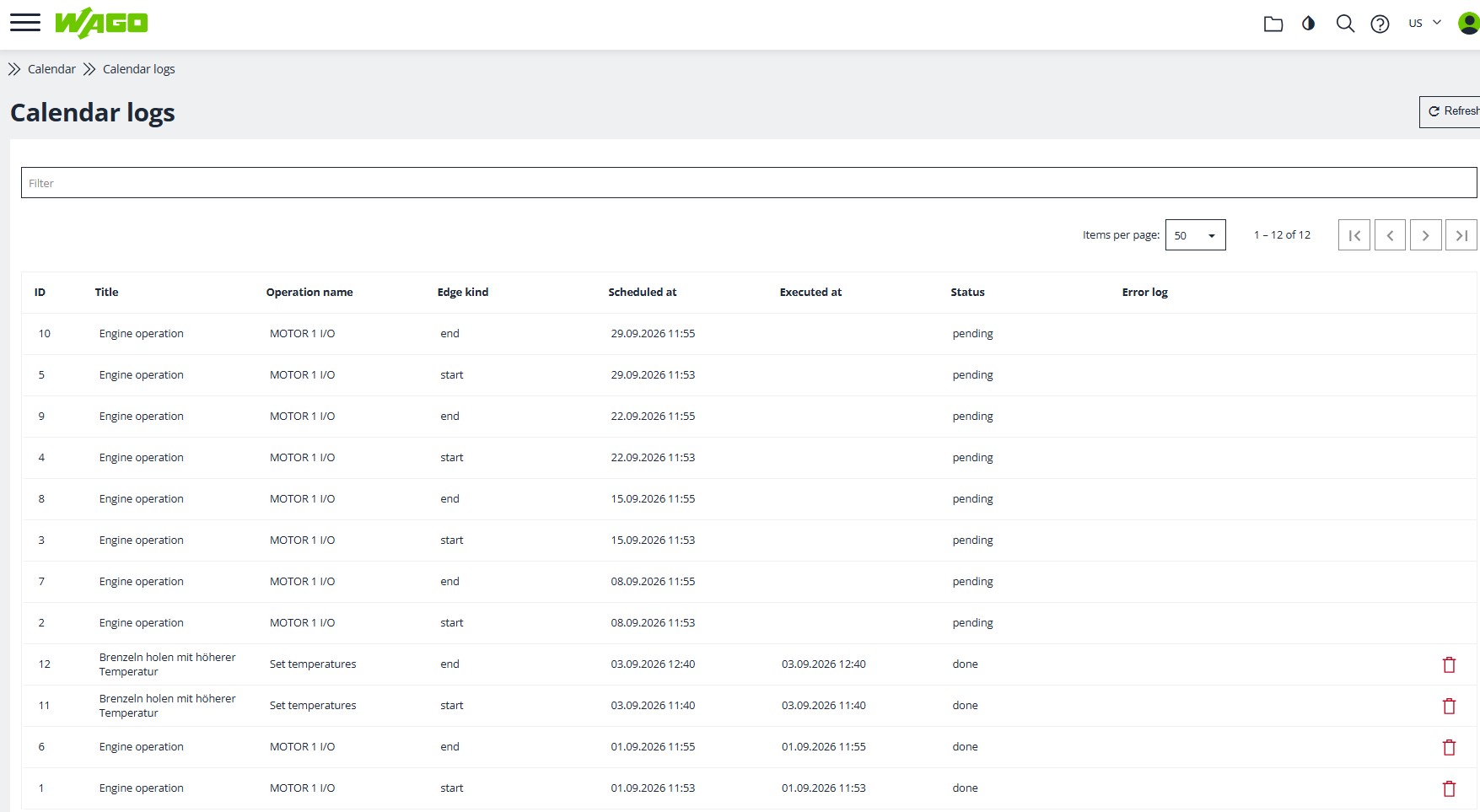
Calender Logs
in the calender logs you can see the logging of all calender entries.